Thoughts on teaching, technology, learning and life in an era of change.

Archive for the ‘ Life ’ Category

Struggling
January 8th, 2009

I have been struggling with this blog of late. Not long back I received some nasty “anonymous” comments on this blog. Some of you may remember the Twitter exchange at the time.

Anyway, I ascertained the identity of the authors. It was a shock.

Well, I feel I have been robbed of something. I want to write but I wonder will these same individuals comment again or possibly say something to me in the future. Even knowing that they are possibly reading this is a perturbing thought.

These are the thoughts that are holding me back. I have even considered closing shop. 

I am full of ideas and plans but without a platform to share them. I have been robbed of that by their actions.

A New Year begins
January 1st, 2009

A new year begins. Well, the year has commmenced on an excellent note. Today Shao Ping and I visited our good friends John and Pauline for a barbecue.

A number of their friends were there as well as John’s father and sister. The food was great, the weather was perfect and life is good.

We imbibed somewhat as well. We all conversed on topics as diverse as TESOL, university days, astronomy, the fortunate demise of John Howard, the disappointing performance of Kevin Rudd, immature employees, ice ages, project management, working overseas, happy coincidences, birth, coping strategies, murders in our streets, losing your mojo and more.

We had a great day! Thanks John and Pauline!

A very Happy New Year to you all, in particular my loyal band of readers! All aboard for 2009!

Meetup with Tom Barrett and Steve Collis
December 24th, 2008

Yesterday my wife Shao Ping and I ventured up to Sydney to meet up with Tom Barrett and Steve Collis. I was keen to meet both Steve and Tom as they have always been thorough gentlemen in all of our communications and great supporters of my blog too. Great chaps indeed. Tom and his family are on holidays here in Australia. They have travelled all the way from Nottingham in England.

The view from Circular Quay

Shao Ping and I jumped in the car and drove to Allawah in Sydney, parked the car and hopped on a train to the city. We changed trains at Central Station, alighted at Circular Quay and caught a ferry to Manly across the majestic Sydney Harbour. We then walked along the Corso to the beach at Manly. We were a little early so we wandered about a bit.

Sydney Opera House

Sydney Opera House and the city in the background

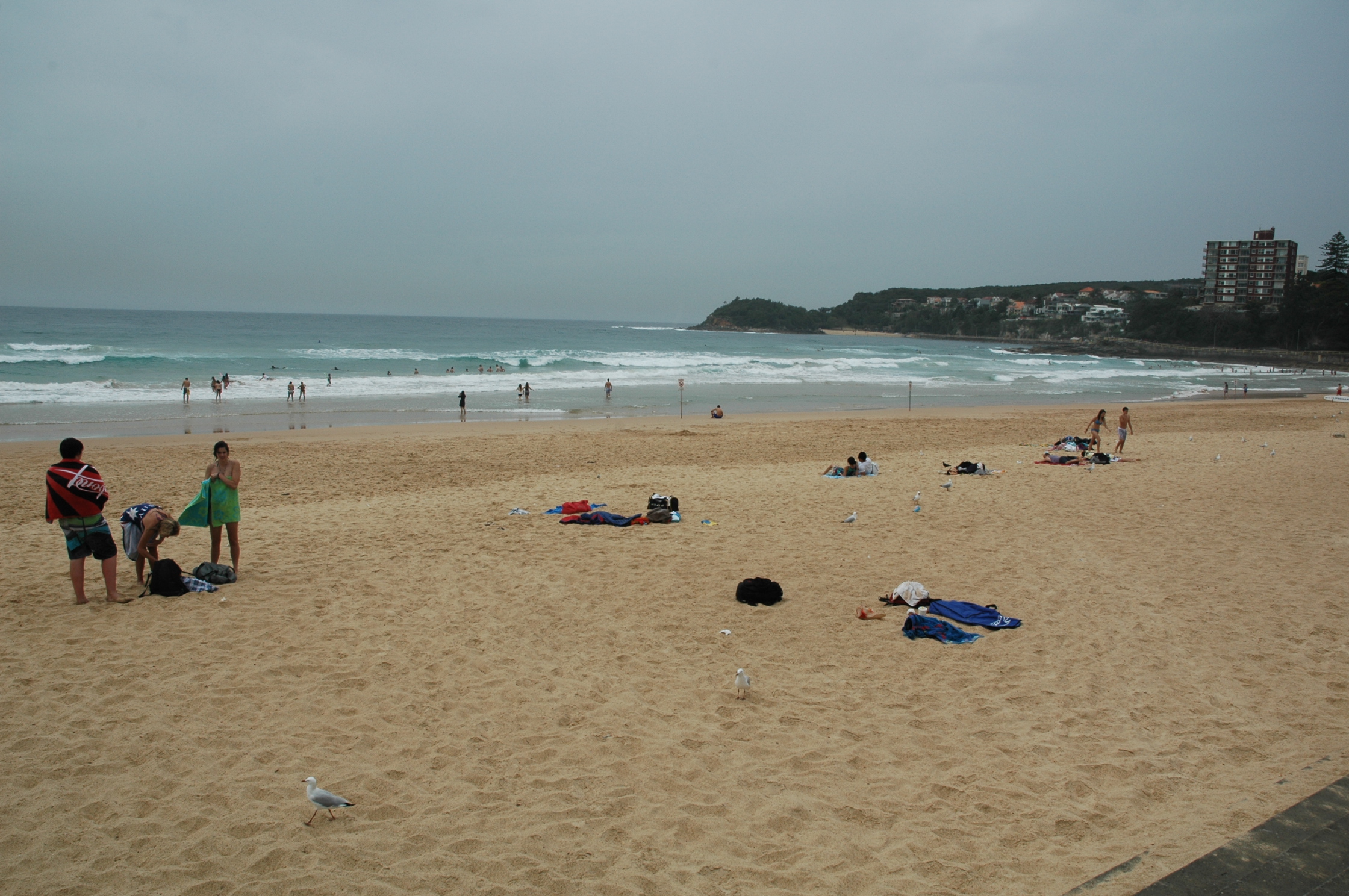
Manly Beach

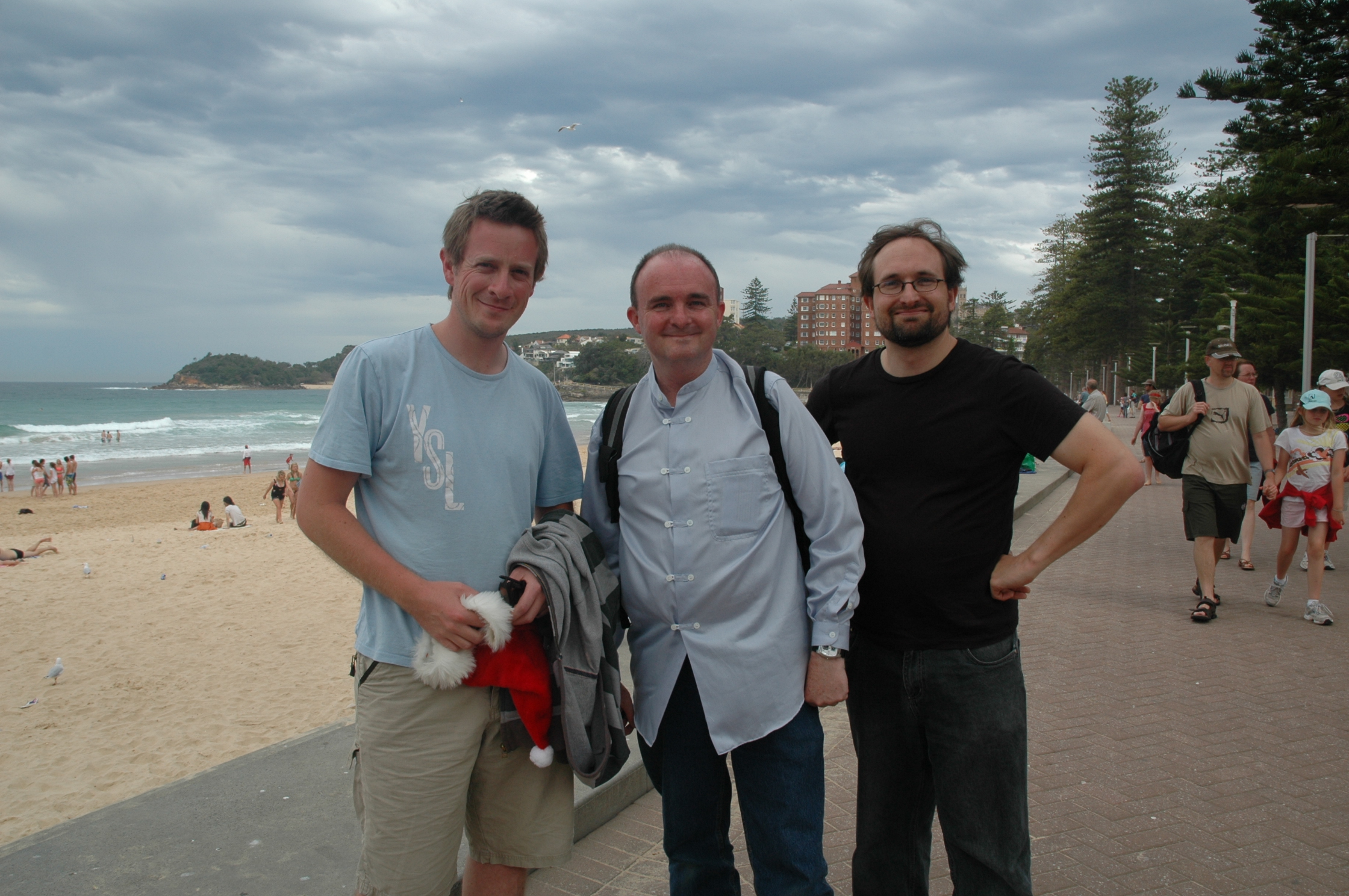
Tom found us first and then Steve turned up. Excellent! Interesting Tom looked more Australian then either Steve and myself. We all made our way to a local cafe for lunch. It was a bit like a blind date really. I had never met Tom or Steve in the flesh before. Have you ever been on a blind date? My wife and I were joking about this on the way to the meetup. Perhaps I might fall for Steve or Tom! Nothing quite like an each way bet, eh?

Three men on a blind date. Tom, John and Steve.

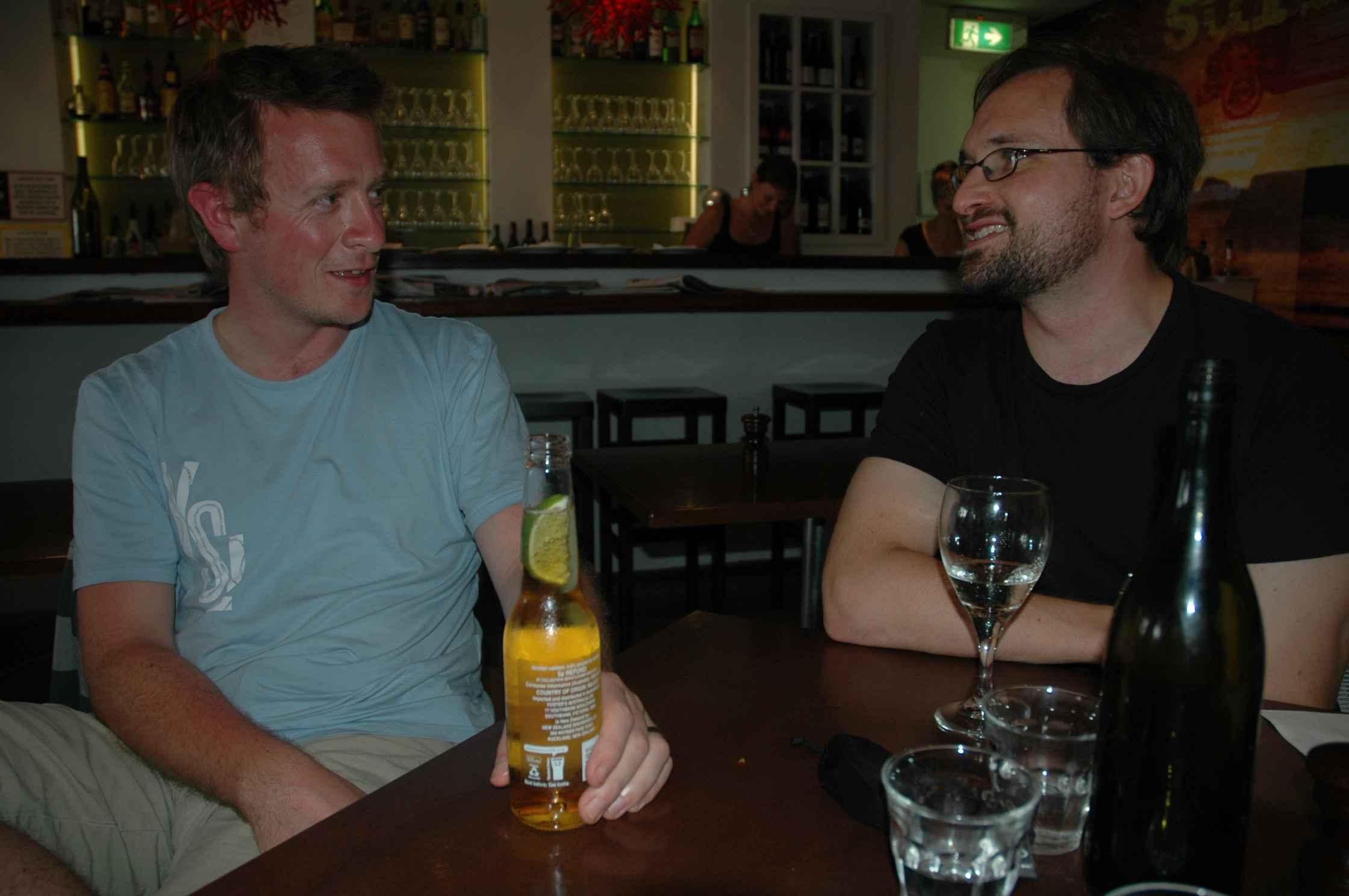
We ordered drinks and a meal and the conversation began. We carried on for about 2.5 hours. We covered all sorts of territory from practical, down to earth blog posts, the effectiveness of Twitter as a source of immediacy and connectedness in the classroom, through to innovative teaching and learning practicesteaching second languages and emigrating to a different country.

Life is good. Holidays, travel, freedom, drinks with friends.

We compared our actual teaching situations and spoke of future plans. Steve’s recent trip to the United States was a source of interesting discoveries. My wife and I took a few photographs including the obligatory hardware snap. In fact the  hardware surfaced for all of about 2 minutes. I do not own a mobile phone so I played with a small camera for the benefit of the shot.

Mini unconference. NECC watch out!

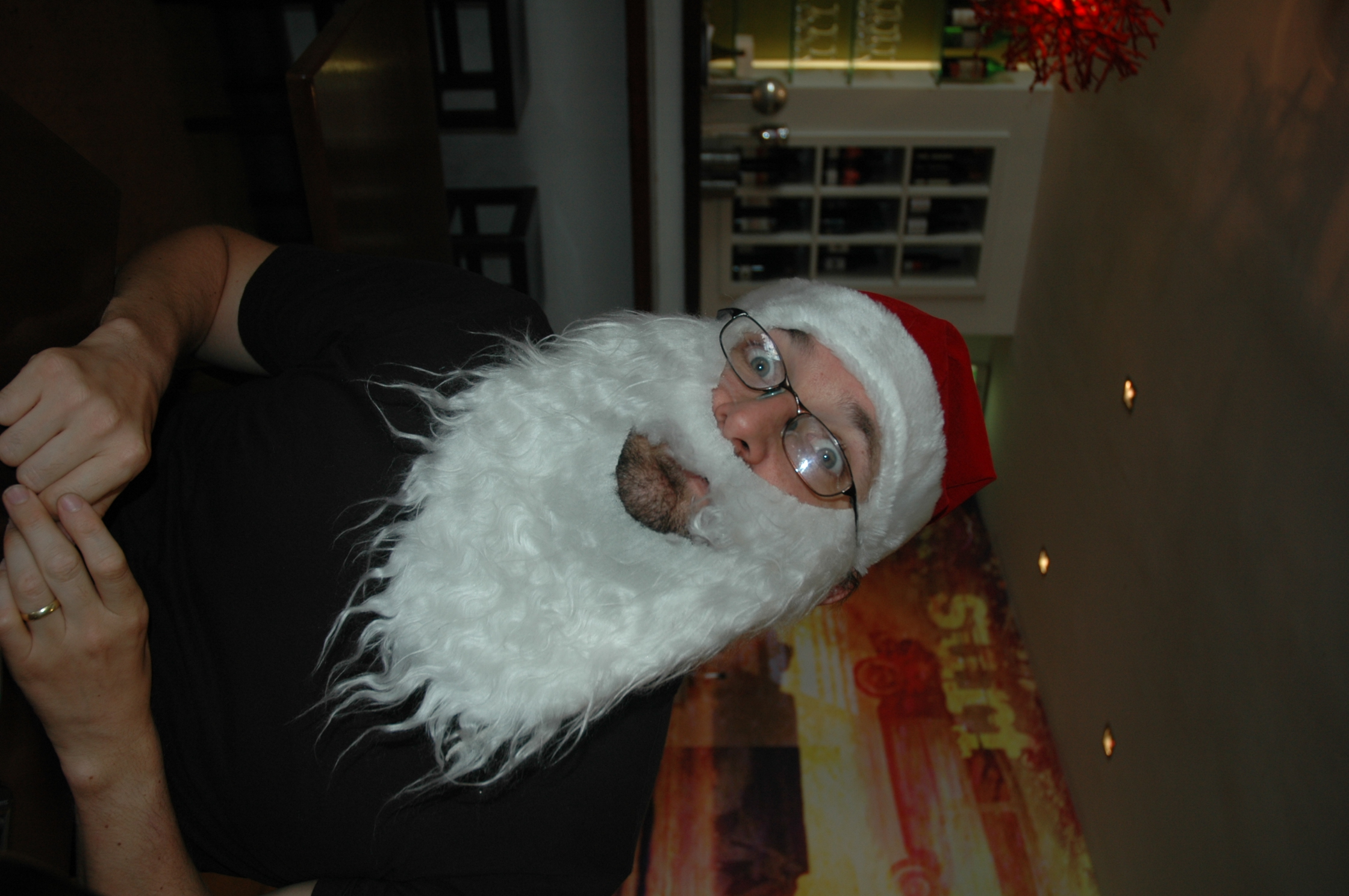
We adjourned to Manly Beach after the meal and we also took a few photographs with the Santa hats I had brought along for the meeting.

Steve in a jovial mood

Tom by the beach in a festive setting

We all had a jolly good time and I am glad I made the trip to Sydney. The weather held off and it was just a great experience to meet up with Tom and Steve. Two great blokes, both hard-working and innovative teachers and each a source of support and inspiration. Thanks Tom! Thanks Steve!

PS. Tom is on his way to Adelaide now to catch up with his dad and perhaps Graham Wegner, another gentleman on the blogwaves.

Optus and Netgear provide a crap user experience
December 21st, 2008

Popped over to a friend’s place today to help him to connect his ASUS laptop to his Netgear Wireless Router.

I brought my Mac with me. It took my MacBook Pro a few seconds to connect once I entered the password for the WAP wireless network. I was surfing the net immediately.

Now, how about the ASUS PC running Windows XP? Three hours later I am not so sure. The NetGear Wireless router that was supplied by Optus is connected to my friend’s desktop machine. There was also a USB device for laptops, etc that would allow others to tap into the wireless network. We unpacked it and the installation CD-ROM that came with the device.

My friend and I ran the installation disc, plugged in the USB device, and it was recognised. During installation an alert appeared stating that a file named RtlGina2.dll was being installed and should we allow it? It was flagged as a virus by Windows. We denied installation of the file. As a result the installation failed.

Next time around we allowed installation of the RtlGina2.dll file. I felt it was risky. After all, viruses have piggy-backed on poorly mastered install discs before.

Now, the NetGear app was installed and it launched yet it would not consistentlty lock on to the wireless network. It was flaky. Very flaky. We worked on this for a while.

I changed the channel on the router and back at the NetGear app on the laptop and also conducted a ‘repair’ of the network on the laptop and it seemed to work fine. I had to access the routers control panel to change the channel. Not for the faint hearted. None of the materials provided by Optus or Netgear advised how to do it. I just happened to know the default url and access code for Netgear modems.

We rebooted the laptop to see if it would connect to the network without assistance. Well, guess what happened?

The Welcome screen had disappeared and we were left with the domain-style login box. All of the User account login choices for my friend’s family members had disappeared! When we tried to enable them again in Control Panel/User Accounts, we received an error alert informing us that another program, namely our little friend RtlGina2.dll, was preventing any enabling of the User logins! Can you believe it! I was dumbfounded, frustrated and angry!

The alert advised to launch the app that was using the RtlGina2.dll and disable it. Which app? Obviously it was the NetGear app as we had just installed it. But there was no way to diasble the RtlGina2.dll file at that level. What a load of crap, eh!? Plain, unmitigated crap!

Did some research on the Internet using my Mac which was still happily connected to the Internet and there were thousands of entries describing this problem. Various solutions are provided. I took my friend’s laptop home so I could work on the fix there. There were various solutions provided online: Fix #1 | Fix #2 | Fix #3 | Fix #4 | and so on….

I will have to take my friend’s laptop back to his place to see if it will connect to his wireless network now that the registries on the laptop have been altered.

The main point is this. Both Optus and Netgear should be ashamed.

The installation process should be seamless and worry free. Not so. What were some of the problems we encountered?

1. Getting the laptop to connect consistently to the wireless network was challenging and time consuming. My Mac had no problem at all.
2. Dealing with that RtlGina2.dll file during installation of the Netgear software. Allow or disallow?
3. Discovering that the Netgear had installation had removed the welcome screen and the user log-ins was a surprise.
4. Discovering that one had to switch off or disable the RtlGina2.dll file in order to reset the Welcome screen and user logins was a surprise.
5. Discovering that it could not be done via the Netgear software was a surprise.
6. Needed to surf the web to find a solution. What if you did not have an alternative Internet connection at home?

7. Having to alter registries on the PC! Registries! Can you believe it!!!!!

Shame Optus! Shame Netgear! What if I was an inexpereinced computer user? What if I was elderly?

This type of poor user experience is simple inexcusable.  Optus, it is pathetic. Netgear, it is pathetic. Get your act together. After reading the forums you will see it happens with a variety of Netgear wireless products. How can Optus and Netgear allow this to happen? Of course, Windows XP does not help much either.

How many inexperienced users, including the elderly and those on low incomes, have paid hundreds of dollars to have this problem fixed?

Interplanetary emoticon, part two :(
December 2nd, 2008

Moon, Venus and Jupiter. December 1st, 2008.
Photograph by Facundo A. Fernández.
Some rights reserved via a Creative Commons Licence.

Last night an alignment of the Moon, Jupiter and Venus created an interplanetary smiley emoticon. The weather was quite overcast last night and I was unable to take any photographs like the one taken by Facundo A. Fernández above.

However, this evening the sky was a little clearer. Out three astronomical neighbours were visible although the smiley emoticon has been replaced by a scowl.

Venus, Jupiter and the Moon. December 2nd, 2008. View large image.