Posterous is a brilliant blogging tool. It is getting better each week.
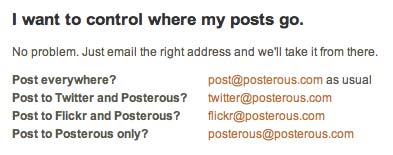
You post to your Posterous blog via email. That is possible with WordPress and Blogger, for example, yet Posterous make it so much easier. You simply send your email to post@posterous.com. There is no need for a complex email address. You can also post simultaneously or separately to your Twitter and Flickr account. You can post to all three at once via email.
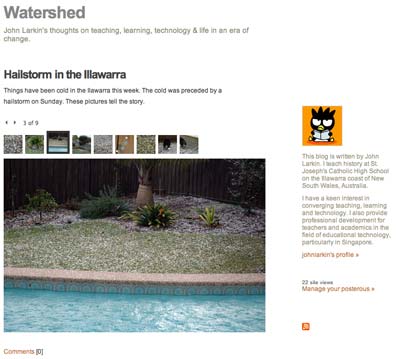
Yet, more significant than that is the fact Posterous will set up a nice interactive image gallery with your post if you add the images as attachments and email them along with your post. The image gallery is elegant. It is so easy! See the Posterous blog post example below or for real here.
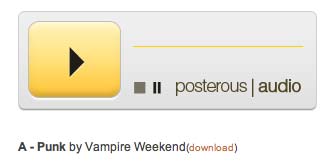
You can also send mp3 files as an attachment and it will set up a mp3 player, a link to the mp3 file. Podcasting made so easy! [Image below borrowed from Posterous faq page]
It will automatically convert urls included in the email as links. It will also automatically embed YouTube videos and similar services. All you need to do is include the relevant link in the email post to your blog. Other email attachments are added to blog posts as well with a download link. Setting up an account is simple.
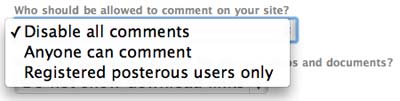
Then why am I not using it as yet? Well, I have no control over comments other than disallowing comments, allowing all comments or only allowing comments from registered Posterous users. I would love to be able to moderate comments. Other than that Posterous has a feature set I would love to see implemented in WordPress.